# TRMM - Create a MSI Agent to deploy with Group Policy
1\. Login to Tactical RMM and Download Agent as .exe and .ps1 with a long expiry time (eg. 1 year), You will need to create a MSI for each Client/Site or use a "staging" Client and move the devices after enrolment.
[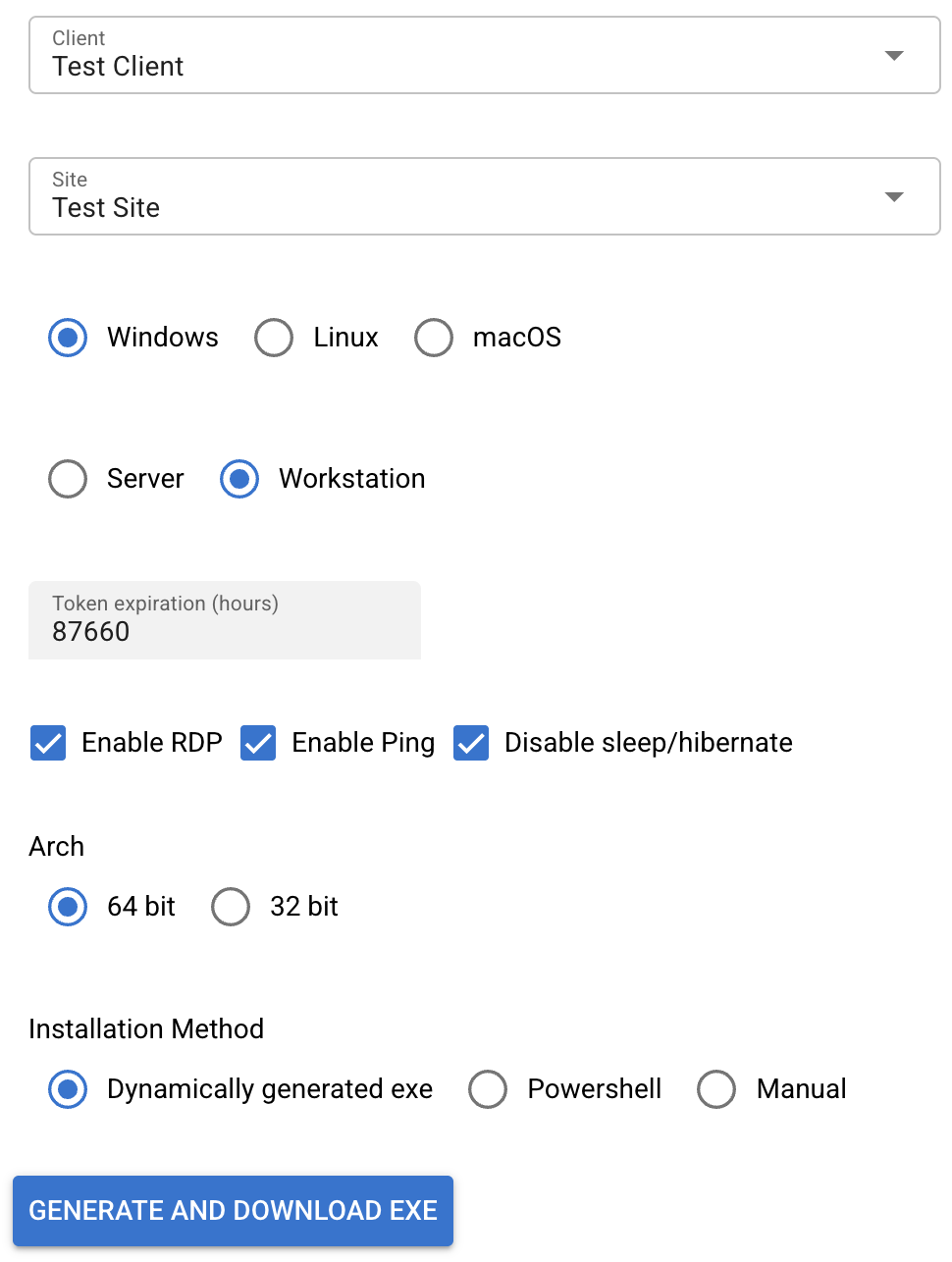](https://lukecarter.co.uk/uploads/images/gallery/2025-12/PsGz8O5ypnlYBXks-image.png)
2\. Install .NET if not installed already
```
https://dotnet.microsoft.com/download
```
3. In CMD set NU Get Provider
```
dotnet nuget add source https://api.nuget.org/v3/index.json -n nuget.org
```
4\. Install .NET WIX
```
dotnet tool install --global wix
```
5. Create the following file structure - .wsx and .vbs avaliable to download here: [TRMMMSIFiles.zip](https://lukecarter.co.uk/attachments/1)
```
TaticalRMM
├── installer.wxs
├── main.exe ← Rename downloaded .exe to main.exe
├── main.ps1 ← Rename downloaded .ps1 to main.ps1
├── main.vbs
```
6\. In CMD navigate inside of the TacticalRMM folder
```
cd C:/Users/Administrator/Downloads/TacticalRMM
```
7\. Compile the MSI
```
wix build installer.wxs -out TaticalRMM.msi
```
Deploy the MSI via Group Policy if neccessary