
TRMM - Create a MSI Agent to deploy with Group Policy
1. Login to Tactical RMM and Download Agent as .exe and .ps1 with a long expiry time (eg. 1 year), You will need to create a MSI for each Client/Site or use a "staging" Client and move the devices after enrolment.
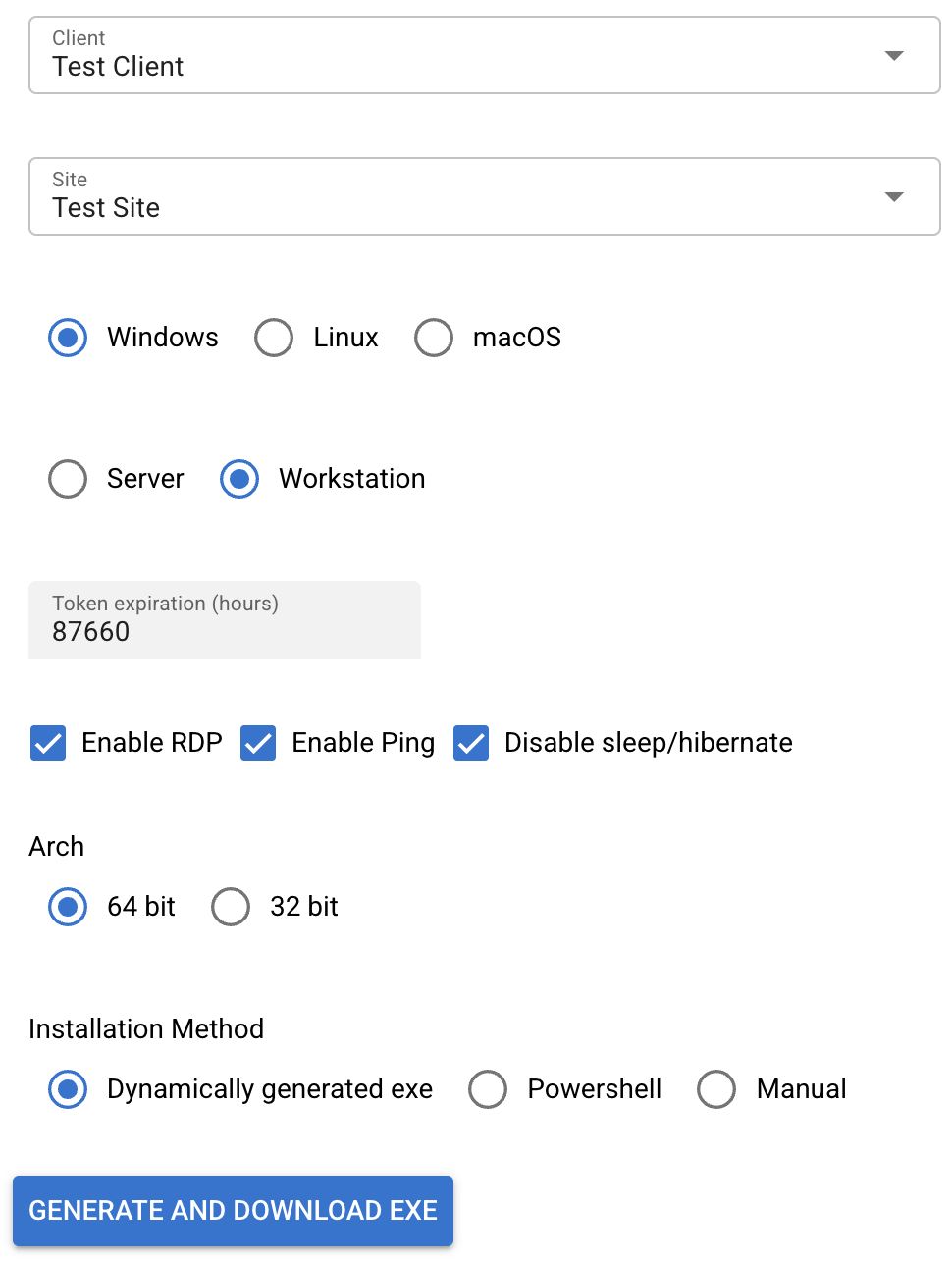
2. Install .NET if not installed already
https://dotnet.microsoft.com/download3. In CMD set NU Get Provider
dotnet nuget add source https://api.nuget.org/v3/index.json -n nuget.org4. Install .NET WIX
dotnet tool install --global wix5. Create the following file structure - .wsx and .vbs avaliable to download here: TRMMMSIFiles.zip
TaticalRMM
├── installer.wxs
├── main.exe       ← Rename downloaded .exe to main.exe
├── main.ps1       ← Rename downloaded .ps1 to main.ps1
├── main.vbs cd C:/Users/Administrator/Downloads/TacticalRMM7. Compile the MSI
wix build installer.wxs -out TaticalRMM.msiDeploy the MSI via Group Policy if neccessary
No comments to display
No comments to display